START WITH YOUR QUESTION
Street Freestyle Rap Video: Make Your Own | RapVideo
Make a street freestyle rap video from your photo. Try the red-lit night scene, edit two short lyrics, choose a singing language and create on this page.
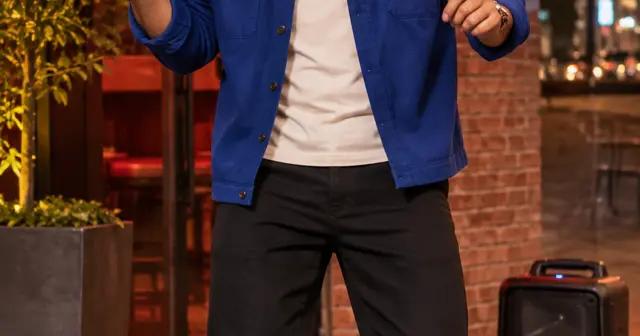
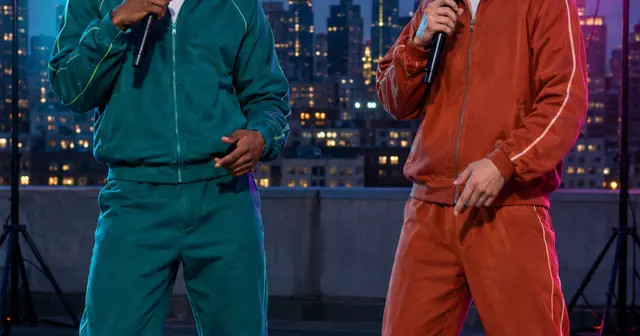
A street freestyle rap video puts you outside a red-lit restaurant, with a portable speaker and a loose shoulder bounce. This page starts in Solo mode. Add one clear portrait, choose the singing language and write two short lines. The result is an original 12-second rap, made for a vertical phone screen. The default Starter option is $4.90 for 480p; 720p is $9.90. Rendering your own photo requires payment.
The Bulin 47 connection
The visual reference is the street freestyle format associated with Bulin 47 and Kevin Wai: an unexpected beat outside a restaurant, a speaker and a performer who joins in. RD Musica reported more than 50 million plays across platforms on October 8, 2026. That figure concerns the source performance and its circulation, not this example or videos made on RapVideo.
Our scene uses original music and your chosen words. It does not replace the performer inside the original clip, reproduce his voice or include the original track. If you want the exact viral choreography, this preset is not a shot-for-shot recreation. The AIReel tutorial describes a different, reference-video replacement workflow.
Give the freestyle a personal detail
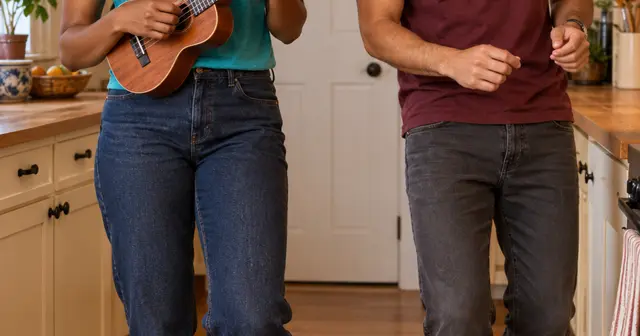
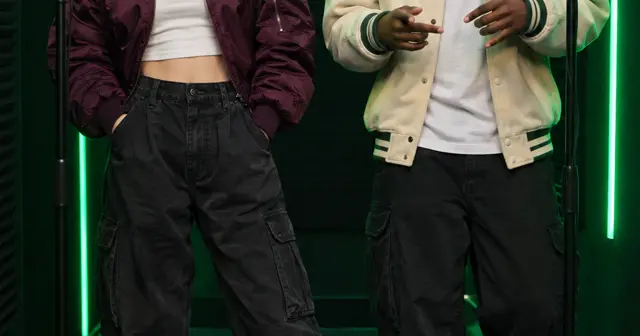
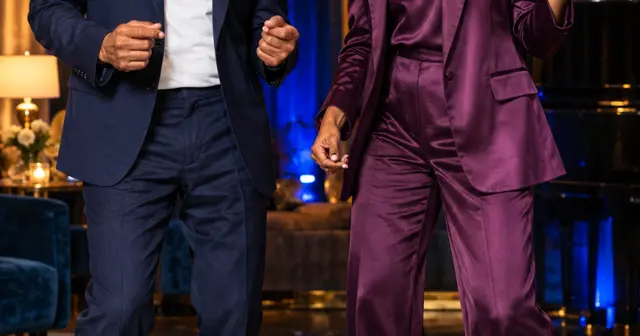
A small, specific idea works better than a life story. Try “I finished my last exam and am walking home like I own the street.” Put that idea into AI writing, or type two lines directly in the lyrics box. You can keep the scene in Solo mode or switch to Duo and add a separate portrait for your partner.
The sample uses Spanish lyrics. English, Chinese, Portuguese, Indonesian and Japanese are also selectable; changing the website language does not change the singing language. Pick the audio language deliberately before generating. For a first attempt, avoid long place names, abbreviations and sentences that need to be spoken quickly.
What to look for in this scene
The red lighting and speaker establish the setting immediately. The performance should feel relaxed: shoulder pulses, small knee bounces and gestures on the beat. The face still needs to be readable. A photo where your mouth is covered or your head is turned far away makes that harder.
Watch the sample with sound before ordering. In your own result, check that both lines fit, the performer stays recognizable and the speaker or background does not become the main subject. The scene is a preset, so you cannot choose a specific restaurant, add a real crowd or place individual props.
Create here, then review the result
Use JPG, PNG or WebP photos under 10 MB and 40 megapixels; supported HEIC/HEIF photos are converted in your browser. Check the preview after selecting each file. Only upload photos you have permission to use. The photo guide covers cropping and common problems.
Choose the singing language separately from the website language. Edit the two lyric lines, confirm photo permission, enter your delivery email twice and review the one-time purchase. No account is required. Allow around 15 minutes or longer for generation; that is a planning estimate, not a deadline guarantee. The private email link lets you check progress after closing the page.
Your result is a vertical MP4 with generated vocals and music. Likeness, pronunciation, exact words and movement can vary. Another creative attempt is a separate paid video. Technical failure restores the video's allowance; a completed result you dislike does not automatically receive a cash refund. See the refund policy, or email support@rapvideo.cc without signing in.
Ready to use this setting? Return to the generator on this page. The scene and mode are preselected for a fresh draft. If a saved order is already processing, keep its status link and start a new draft before changing its settings.