START WITH YOUR QUESTION
Kitchen Rap Duet: Photos to an Original Rap | RapVideo
Create a kitchen rap duet from two photos. Hear the sample, set the left ukulele player and right performer, edit your lyrics and make a video right here.
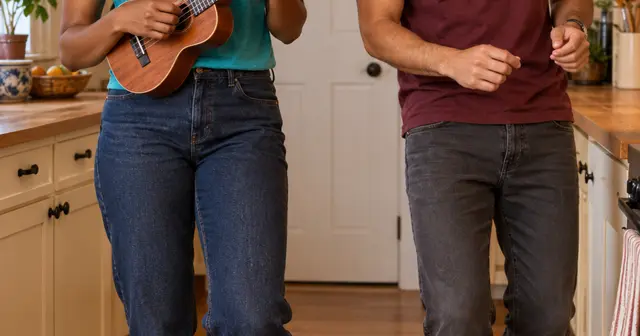
A kitchen rap duet turns two photos into a warm, informal performance: a ukulele player on the left and a partner on the right, trading short rap lines. The generator below already selects Duo and Kitchen Rap Duet. The default $4.90 option creates a 12-second 480p video; 720p is $9.90. You can explore the example and edit a draft before paying for your own render.
The Oouuh kitchen duet inspiration
The small kitchen, white door and ukulele pairing are recognizable from the Oouuh duet format. MakeViral’s template page describes replacing two people in a reference clip and reports 20.1 million views for Einer Bankz’s February 2024 repost, counted on October 11, 2026. That is the vendor’s dated report about the source clip, not a verified live counter or a claim about our sample.
RapVideo makes an original kitchen rap from photos. It does not supply Fredo Bang’s song or copy a reference reel shot for shot. The familiar setting is the inspiration; your words and generated beat make this a new performance. The example above was made for this page with fictional adults.
Put the photos in the right order
Photo 1 becomes the performer on the left, holding the ukulele. Photo 2 becomes the performer on the right. Use a separate, clear portrait for each adult. They do not need to have been photographed together, and neither photo needs to contain a kitchen or instrument.
Keep both faces easy to recognize. A photo with visible shoulders and arms gives more information than a tight face crop. Do not use a picture where a phone covers the mouth. If someone wears glasses, avoid strong reflections across the eyes. Upload order is useful here because the two roles look different.
Write a short exchange
The left performer leads first, the right answers, and the ending brings them together. Keep the joke simple enough to understand in one listen. An idea such as “two flatmates celebrating finally doing the dishes” gives AI writing something concrete to work with. Read the generated lines and change anything that does not sound like you.
Both performers can rap; this preset does not lock one person into being a silent instrumentalist. The ukulele is part of the scene and musical direction, but finger positions and strumming are generated, not an accurate music lesson. Hands, strings and mouth movements can vary. If exact instrumental technique matters, inspect the result before sharing it.
When to choose this over a studio scene
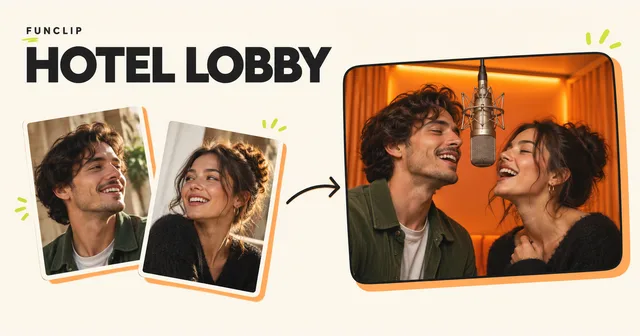
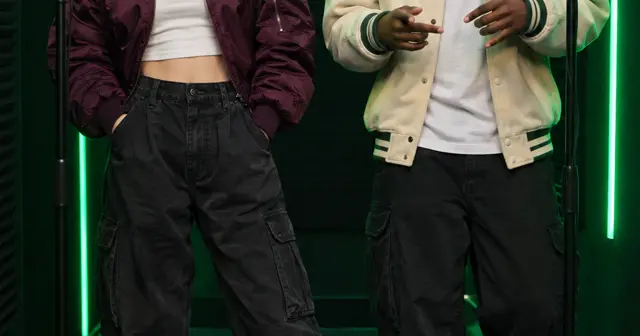
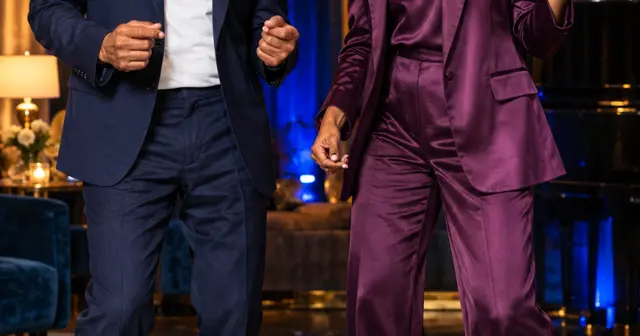
The kitchen works for friends, flatmates and a playful birthday greeting. Its appeal is the everyday setting: you can imagine someone starting a beat while dinner is cooking. For a more formal mic performance, try the green booth. For two people sharing one hanging mic, choose Hotel Lobby.
Create here, then review the result
Use JPG, PNG or WebP photos under 10 MB and 40 megapixels; supported HEIC/HEIF photos are converted in your browser. Check the preview after selecting each file. Only upload photos you have permission to use. The photo guide covers cropping and common problems.
Choose the singing language separately from the website language. Edit the two lyric lines, confirm photo permission, enter your delivery email twice and review the one-time purchase. No account is required. Allow around 15 minutes or longer for generation; that is a planning estimate, not a deadline guarantee. The private email link lets you check progress after closing the page.
Your result is a vertical MP4 with generated vocals and music. Likeness, pronunciation, exact words and movement can vary. Another creative attempt is a separate paid video. Technical failure restores the video's allowance; a completed result you dislike does not automatically receive a cash refund. See the refund policy, or email support@rapvideo.cc without signing in.
Ready to use this setting? Return to the generator on this page. The scene and mode are preselected for a fresh draft. If a saved order is already processing, keep its status link and start a new draft before changing its settings.