START WITH YOUR QUESTION
How do I make a Hotel Lobby rap video with a friend?
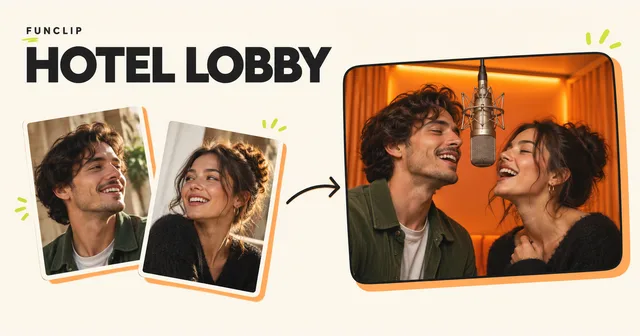
Turn two adult photos into a Hotel Lobby AI duet in an orange studio. Generate a 10-second 768P MP4 with a one-time purchase.
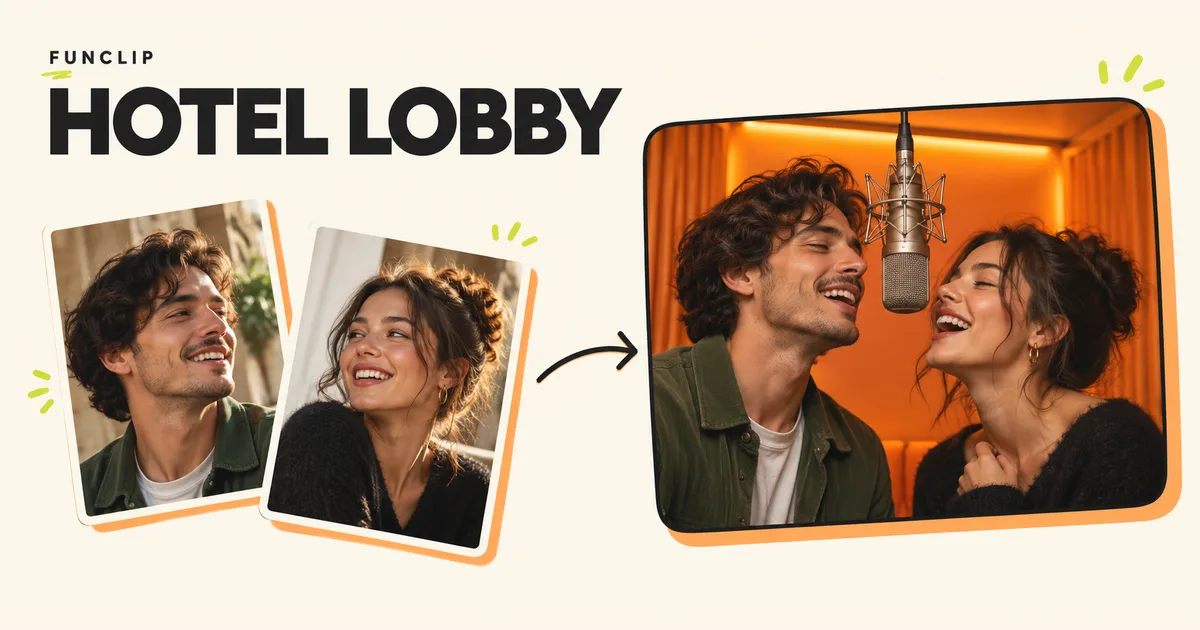
Turn two adult photos into a Hotel Lobby AI duet in an orange studio. Generate a 10-second 768P MP4 with a one-time purchase. Choose two photos, check their left/right order, select the format and an optional English rap theme, then generate. The orange studio setting is fixed.
Create here
JPG, PNG, WebP or HEIC/HEIF · under 10 MB each
A little photo advice
Use a sharp, well-lit photo with one face in each image. Front-facing photos work best. Avoid sunglasses and covered faces.
JPG, PNG, WebP or HEIC/HEIF, under 10 MB each. One clear adult face per photo; keep the head and shoulders visible.
HEIC/HEIF converts to JPEG on your device. Under 10 MB and 40 megapixels; conversion failure does not upload.
Photo input comparison
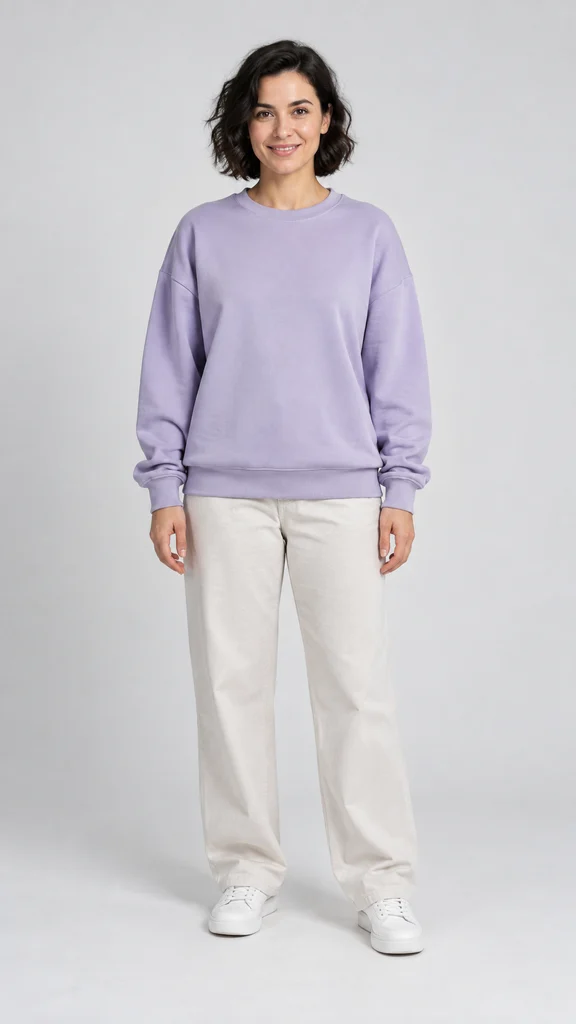
The same existing sample portrait is shown twice; blur is simulated for input guidance, not a generated result.
10s · 768P · 9:16 · MP4
2Rap theme & format
One-time purchase · Valid for 365 days
One direct 10-second, 768P video from two adult photos. No intermediate scene approval. A paid video uses 100 standard credits.
Generation can take around 15 minutes or longer; timing varies. Once submitted, you can close this page and return to generation history with the same account.
Two photos. The finished video.
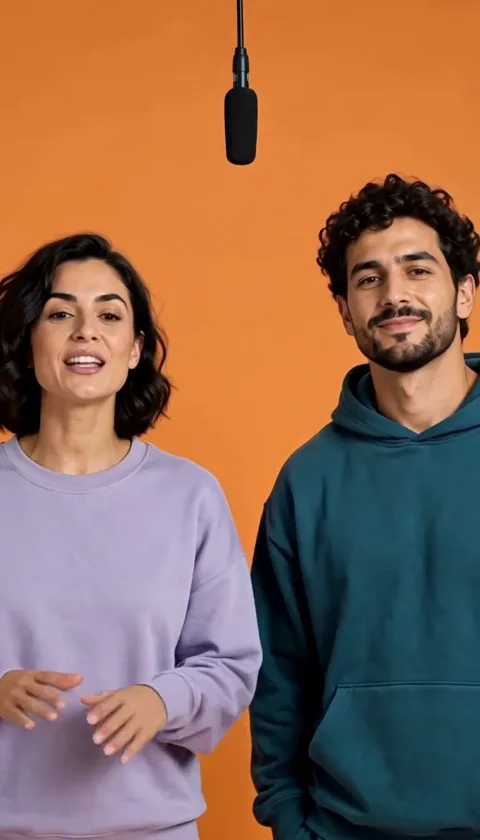
9:16 · 10s · 768P · MP4
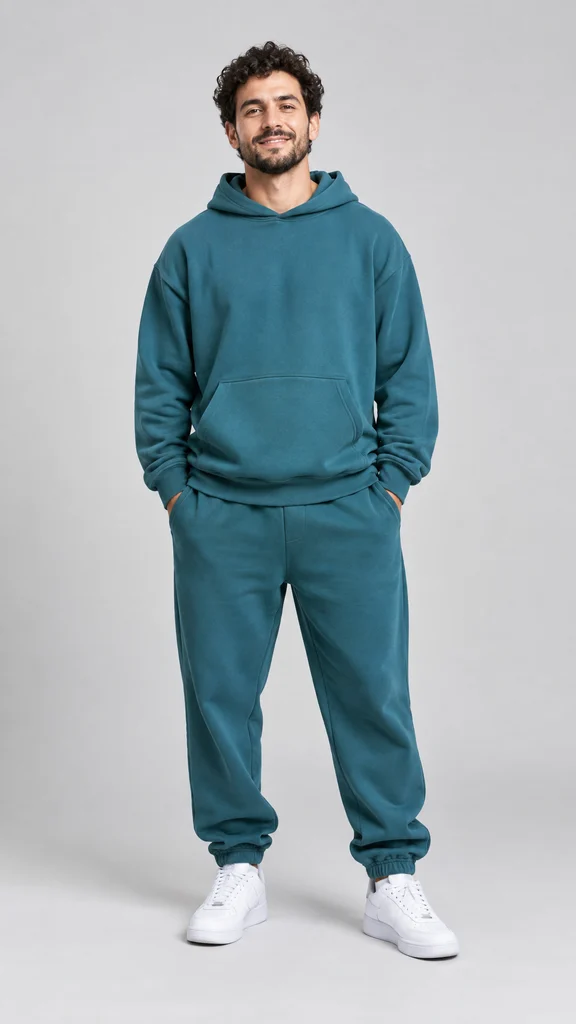
AI-generated fictional adults, made with the current generator. These two input photos produced this video. Play with sound; results vary.
Start with two separate portraits
Use one clear, well-lit photo of each consenting adult. Put the intended left performer in the left slot and the other person in the right slot. These are identity references, not the first and last frames of a video. A group photo can work as the source for two individual crops, but a tiny or blurred face will still lack detail after enlargement.
You can crop and swap the selected photos on your device before signing in. Sign in and confirm the upload when you are ready. Supported photos are JPG, PNG, WebP and HEIC/HEIF, under 10 MB each and at most 40 megapixels. HEIC/HEIF is converted on your device; if conversion fails, export a JPEG from your photo app. See the photo preparation guide for examples of useful and difficult inputs.
Review examples before purchasing
RapVideo does not offer free trials or signup credits. Video generation requires a paid credit pack. Watch the public example and check the photo tips before buying. Examples show the format; your generated face, movement and audio can differ.
Generate an original performance
Choose the format and optionally add a short English rap theme, such as “a birthday duet for Sam; friends since school.” A short clip gives a simple idea more room than a long speech. The theme requests new English rap; exact wording, names, pronunciation, sound and lip-sync are not guaranteed. The tool does not supply the original Hotel Lobby song or an artist's voice.
The paid generator generates a 10-second, 768P MP4 directly from the two photos. One generation uses 100 standard credits. There is no intermediate scene to approve or pay to animate. Review the selected photos and settings before pressing generate; making a new version of a completed video uses more credits.
What do Hotel Lobby AI and Migos AI mean here?
These terms commonly describe the two-person orange-studio performance format. On RapVideo they lead to the same tool, rather than separate generators. The product is independent of the artists. Read the trend guide for the origin of the visual reference and the difference between recreating a look and retaining a particular recording.
A public workflow discussion describes preparing several references and identifying each performer. RapVideo's two photo slots make the casting explicit, but that does not guarantee an exact identity match. A separate community discussion also highlights variation between attempts. Treat those accounts as experiences, not quality measurements for RapVideo.
Review, recover and download
After generation starts, closing the page does not cancel the task. Return with the same account and check My clips. If the result is pending or the status is uncertain, check the existing task before submitting another one. A timeout alone does not prove failure.
Technical failures restore the credits charged for that task once. A completed result with an unwanted expression, movement or lyric is a different case: generating another version uses credits. Credit restoration is not an automatic cash refund. The one-time purchase guide explains credit costs and pack quantities.
Play the entire result with sound. Watch both faces during head turns and when hands pass near them. Download the MP4 while signed in, then send the saved file through your preferred app. Private result links require account access, so they are not public sharing links.