START WITH YOUR QUESTION
How to make a cat rap video from a photo
Make a 10-second cat rap from one clear photo. See real studio and street examples, photo tips, the $4.90 Starter price and what the single-cat mode can do.
A cat rap video turns one photo of your cat into a short performance with a generated beat and English vocals. RapVideo currently supports one cat in Solo mode, using the $4.90 Starter option: 480p, 10 seconds, vertical MP4. It does not support two cats, a cat-and-owner duet or 1080p cat videos.
See what the cat mode actually makes
The studio sample and street sample are complete, original AI-generated clips with sound. Both feature the same fictional orange cat. The street example was made by using a reference image to change the setting before generating the performance. These are demonstration results, not customer testimonials or a guarantee of how every pet will look.
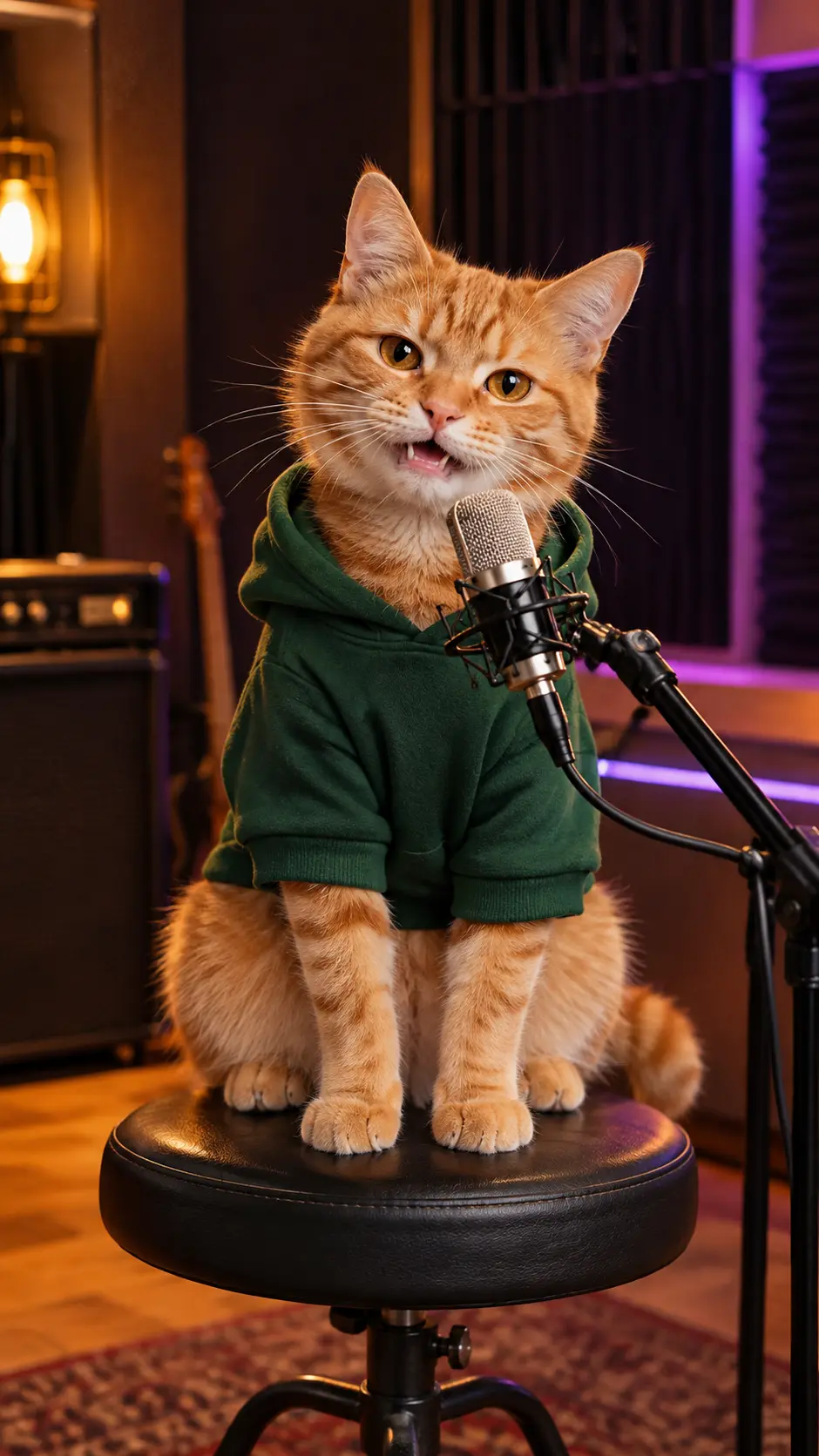
Watch for the cat's fur pattern, ears, eyes and paws through the whole performance. Listen to the English rap before deciding whether this is the kind of playful clip you want. AI can change markings or produce unusual mouth and paw movements; it does not record your pet's real voice.
Choose a usable cat photo
Use a sharp photo with one cat, an unobstructed face and both eyes visible. Eye-level photos in even light give the model more detail than a tiny cat in a wide room shot. Avoid motion blur, heavy filters, hands across the face or a second animal in the frame. The cat does not need to wear clothes or pose in the final setting.
Upload JPG, PNG or WebP, or a supported HEIC/HEIF file for browser conversion. Each photo must be under 10 MB and no more than 40 megapixels. Check the preview and replace the image if the face is unclear. Only upload a photo you own or have permission to use.
Make the video without writing a prompt
- Choose Cat. Solo and the 480p Starter option are selected automatically.
- Choose a scene and a preset theme. Start with Studio or Street if you want to compare against the published samples.
- Add your cat photo, confirm permission and enter your delivery email twice.
- Review the $4.90 purchase and pay once. No account or subscription is required.
The complete video is created after payment; there is no intermediate scene to approve. Allow around 15 minutes, with longer waits possible during busy periods. You receive a private email link to watch and download the result. Closing the browser does not cancel the submitted task.
Know the limits before paying
The audio is English even when you change the interface language. Friends, Birthday and Team are preset themes; they do not promise your cat's name or custom lyrics. Each new completed version uses another purchased video. Technical generation failures restore that attempt, while dissatisfaction with a completed video follows the separate refund policy.
Uploaded original photos are kept for up to seven days in our storage. Generated videos currently have no automatic deletion deadline; contact support for deletion. Read the privacy policy for processor and storage details. Keep your order link private and share the downloaded MP4 instead.
For people, use the Solo and Duo studio. For a greeting, read the birthday rap guide. Compare both quality options on the pricing page.