START WITH YOUR QUESTION
Green Booth Rap Video: Make a Freestyle Duo | RapVideo
Make a green booth rap video with one or two photos. Preview the studio freestyle, edit your lyrics and language, then generate directly inside this guide.
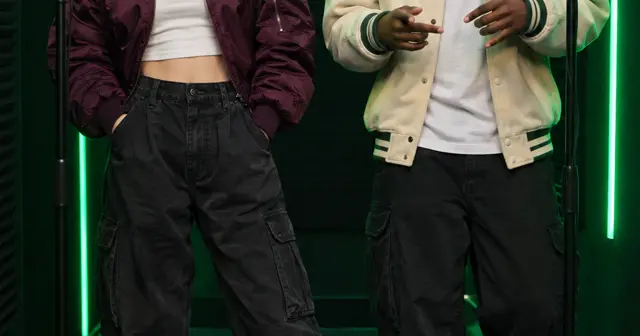
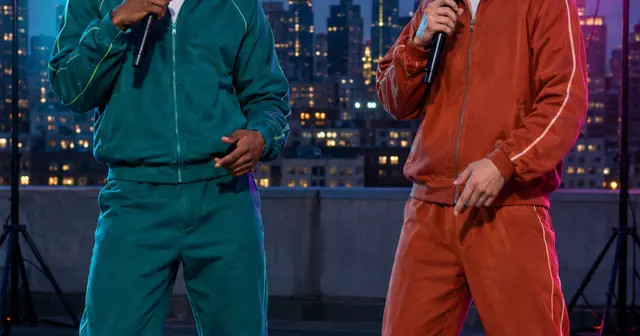
A green booth rap video places one or two performers in a dark recording room with emerald lights and separate microphones. This page opens with Duo selected, ready for a short exchange between two friends. A 12-second 480p Starter video costs $4.90; the 720p option is $9.90. The example is playable before you purchase a render with your photos.
Why the booth looks familiar
The green-lit radio booth is associated with freestyle performances such as Fetty Wap and Monty’s “679” appearance on On The Radar. Competitors also offer On the Radar reference-video effects, which use the source clip’s music and motion.
This page creates a new rap in a similar kind of setting. It includes your editable lyrics and original generated music, without the “679” recording, artist voices or show branding. Two separate microphones make the handoffs readable. You get a vertical performance rather than the original show’s widescreen footage.
Make the handoff the point of the clip
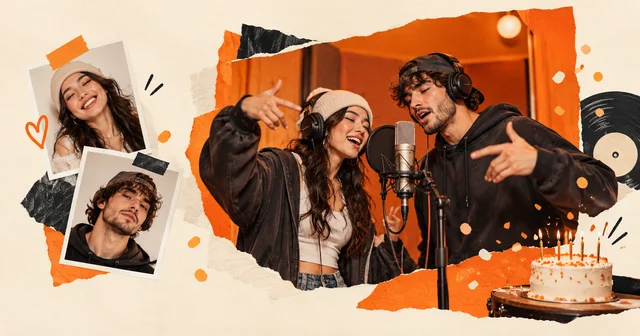
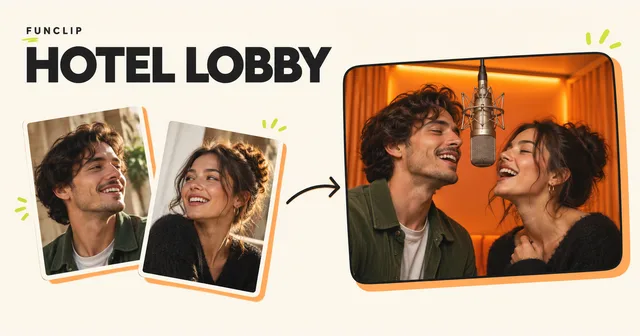
Give each performer one short thought. The first can make a claim, and the second can answer it: a shared achievement, a friendly correction or a punchline. In Duo, photo 1 belongs to the left performer and photo 2 to the right. Their parts alternate before the closing line brings them together.
Try the idea “two friends who finally finished a project after months of late nights.” It has a reason to celebrate and a relationship between the performers. AI writing can turn the idea into two lines, which you can edit in the same box. You do not need to describe microphones or lighting in the lyrics; the selected scene handles those.
Choose portraits that work under colored light
Use sharp, evenly lit photos. The booth already adds green light, so a source portrait with heavy colored lighting can make the face harder to read. Avoid very dark selfies, sunglasses and microphones covering the mouth. Different outfit colors also help viewers follow who is leading.
The sample shows a duo, but Solo is available in the generator. With one person, the performance stays centered around one voice and one portrait. Switching modes changes the required photo count. Check the selected mode again before buying, especially if you came from a shared link or an earlier draft.
Listen before you share
Check that the two voices are distinguishable and that the second performer takes over at a sensible moment. The partner should remain engaged through nods and reactions, though exact choreography and lip-sync vary between results. This is a generated performance, not a recording of either person’s real singing voice.
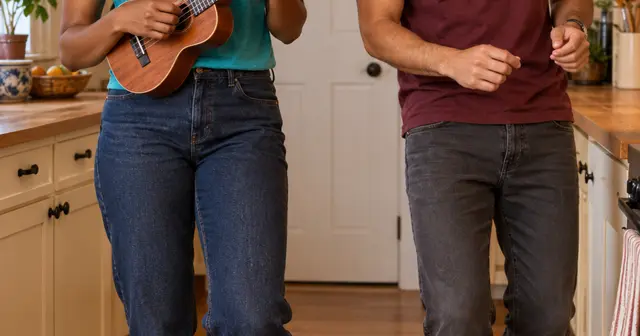
For a more playful back-and-forth, use the rap battle scene. For a less formal setting with an instrument, try the kitchen duet.
Create here, then review the result
Use JPG, PNG or WebP photos under 10 MB and 40 megapixels; supported HEIC/HEIF photos are converted in your browser. Check the preview after selecting each file. Only upload photos you have permission to use. The photo guide covers cropping and common problems.
Choose the singing language separately from the website language. Edit the two lyric lines, confirm photo permission, enter your delivery email twice and review the one-time purchase. No account is required. Allow around 15 minutes or longer for generation; that is a planning estimate, not a deadline guarantee. The private email link lets you check progress after closing the page.
Your result is a vertical MP4 with generated vocals and music. Likeness, pronunciation, exact words and movement can vary. Another creative attempt is a separate paid video. Technical failure restores the video's allowance; a completed result you dislike does not automatically receive a cash refund. See the refund policy, or email support@rapvideo.cc without signing in.
Ready to use this setting? Return to the generator on this page. The scene and mode are preselected for a fresh draft. If a saved order is already processing, keep its status link and start a new draft before changing its settings.