START WITH YOUR QUESTION
Make a Birthday Rap Video from Photos
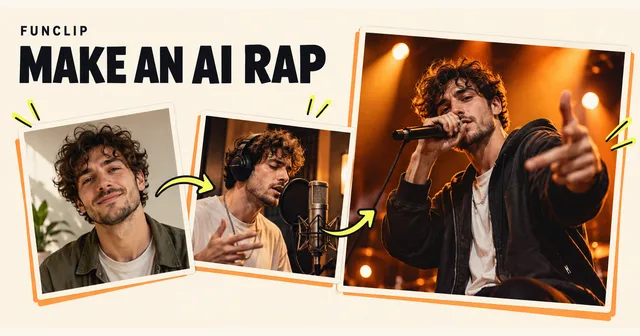
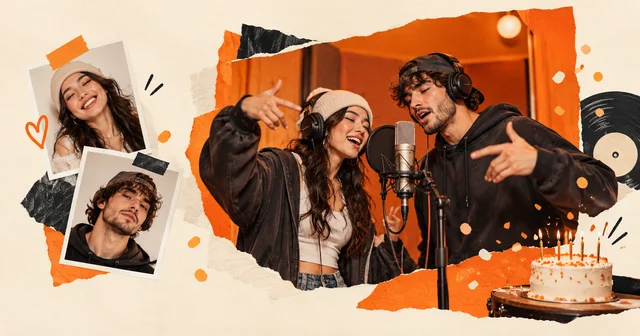
Create a birthday rap video from one or two adult photos. Choose the birthday preset, submit your photos and check the finished greeting with sound.
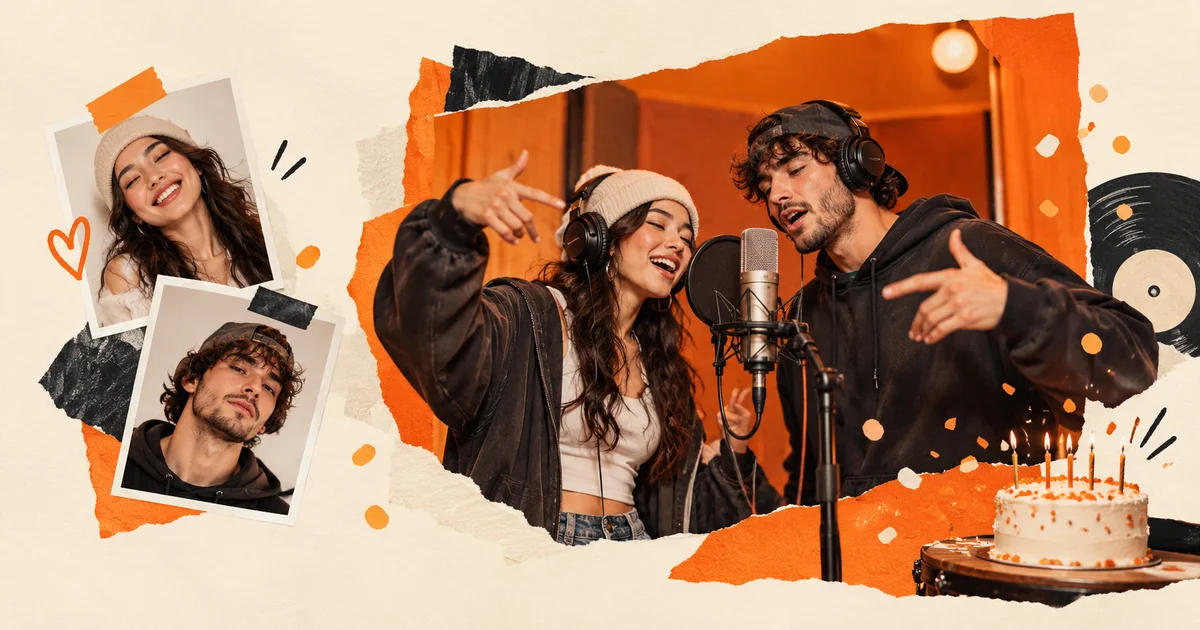
A birthday rap video on RapVideo is a 10-second clip made from one or two adult portraits, with a birthday-themed verse and generated audio. Use Solo to put one person in the spotlight, or Duo for a greeting from two friends. The generator below starts with the birthday theme for a new draft. Add your photos and submit once to create the complete video. A standard video costs $9.90, with no subscription. The voice is in English, including when you use another interface language.
Choose who appears in the birthday video
For a solo performance, upload one photo of the adult who will appear. That can be the person celebrating or the friend sending the greeting. For a duo, prepare two separate portraits, one for each performer. Both people need to agree to the use of their photos. For human birthday performers, use adult portraits.
You do not need to take a new photo together. Two individual portraits are easier to check than a crowded party picture. Look for visible eyes and mouth, even light and a clear face. Avoid sunglasses, heavy filters and another person's face at the edge of the frame. The photo selection guide explains how to compare possible inputs.
Use JPG, PNG or WebP, or select a supported HEIC/HEIF photo for local conversion. Each image must be under 10 MB and no more than 40 megapixels. Check the converted preview before continuing. File size alone does not tell you whether the face is sharp enough.
Set the birthday theme and create your video
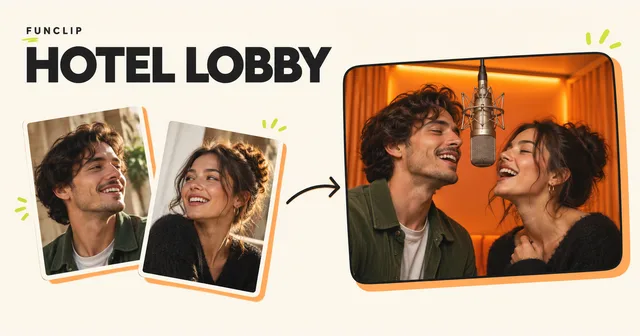
Choose Solo or Duo, then choose Studio, Street, Stage or Hotel Lobby. Studio gives the performance a recording-booth setting. Street uses an outdoor setting, while Stage suggests a small concert. These are preset scenes; they do not let you place individual props or select exact camera movements.
Select Birthday in the theme control. A returning session may show an earlier draft so that your saved work is preserved. If it is still editable, select Birthday in the Theme control. A pending or completed task stays attached to its original settings.
Check the photos and settings, confirm permission, and enter your delivery email twice. Review your purchase and complete the one-time checkout. No signup or login is required. The email order link lets you follow progress after closing the browser.
Know what the birthday verse can say
The birthday preset gives the clip a general celebratory theme. It is useful for a short greeting in a group chat or a moment during a birthday gathering. It does not provide a custom lyrics editor, a name field or an audio upload. Do not buy it expecting the performers to recite a specific person's name, age or a paragraph you have written.
Hotel Lobby is another scene in the same Rap studio. It uses the same preset themes and does not add a custom lyrics field or the original Hotel Lobby song.
If an exact written birthday message matters, add it as a caption when you share the finished file. Keep the text separate from the claim about what the generated voices actually say. You can also add text in your own video editor after downloading.
Generate and check the complete clip
Your standard result is a 10-second, 1080p, vertical 9:16 MP4 with generated original audio. It is a short performance, not a full birthday song or a recording in the person's real voice.
Watch the full clip with sound before sending it. Listen for unexpected words, unclear pronunciation or a tone that does not fit the recipient. For a duo, check both faces as they move and take turns. A clear uploaded portrait does not guarantee that every moving frame will preserve the same likeness.
The tool does not offer word-by-word audio corrections or repairs to individual frames. Making another version is a paid action; check the price shown before continuing. Replacing the sound in another editor is possible, but the new track may no longer match the mouth movements. Leave time to review the result instead of planning the first generation for the moment the birthday party starts.
What your purchase includes
A standard video costs $9.90 for one complete 10-second, 1080p video. It is a one-time purchase. The pricing page lists the available packs; unused purchases are valid for 365 days. Starter costs $4.90 for one 10-second, 480p video. Standard and Starter purchases are separate; select the intended quality before checkout.
Another version is a new paid attempt. Technical generation failures restore the right to make the failed video; a completed result you dislike is not a technical failure. This is different from an automatic cash refund: see the refund policy.
Download the greeting and send the file
Watch the completed video with sound, then download the MP4 from the result or email link. Review the faces, words and lip-sync before sharing the saved file. A public video share link, when explicitly created, shares that video; it is different from your private order link. Keep your order link private.
If generation is taking longer than expected, open the existing order link from your email before starting again. Closing the browser does not cancel submitted work. For a walkthrough of both performance modes, read how to make an AI rap video, or return to the solo and duo studio.
Starter 480p supports adult Solo/Duo videos or one cat in Solo mode. Cat videos are not available in Standard or Duo. Use only pet photos you have permission to upload; human portraits must show consenting adults.