START WITH YOUR QUESTION
AI Rap Battle Video: Make a Friendly Duo Roast | RapVideo
Make an AI rap battle video from two photos. Write a playful claim and comeback, preview the rooftop sample, and generate a short original duo performance.
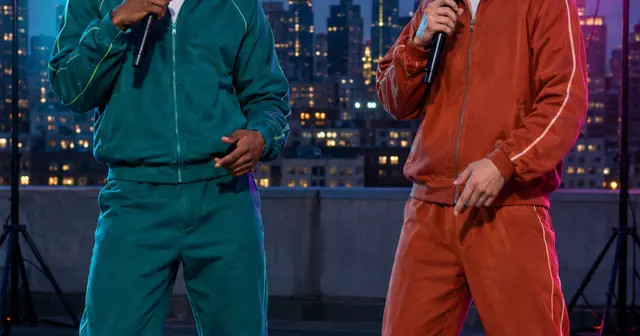
An AI rap battle video turns two portraits and a friendly joke into a 12-second exchange. The rooftop scene gives the left and right performers different colored lights and their own microphones. This page starts in Duo. The default 480p Starter video is $4.90, with a 720p option at $9.90. Payment is required to render your own photos; the public example is free to watch.
Build the joke around a reply
The first line gives the second person something to answer. “You burn the toast, I burn the beat” is a setup; a reply about missing the bus keeps it light and specific. A pair of unrelated boasts is harder to follow in such a short clip. Think of a joke both friends would enjoy hearing in the group chat.
The photo you add first becomes the performer on the left and leads the first line. The second photo becomes the performer on the right and delivers the comeback. The closing section repeats the second line together. Review both lines as a conversation before starting the video.
Use AI writing without giving up the punchline
Type an idea such as “two flatmates teasing each other about burnt toast and being late.” AI writing drafts two lines in your chosen singing language. You can change them directly in the lyrics box. Keep each line short, with one joke rather than several subjects competing for attention.
The RapDuo AI Rapper page also uses short personal ideas, including friendly roast topics, to shape original lyrics. That is a product reference for the format, not evidence that our sample is a viral clip. This page’s rooftop example uses fictional adults and original lines.
Keep it friendly and recognizable
Use photos of adults who have agreed to appear. Choose everyday habits or shared memories for the joke. Avoid private details, threats or accusations that could embarrass someone outside the group. Show the finished result to the people pictured before posting it publicly.
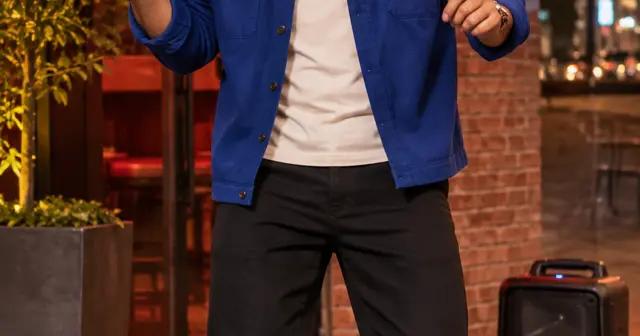
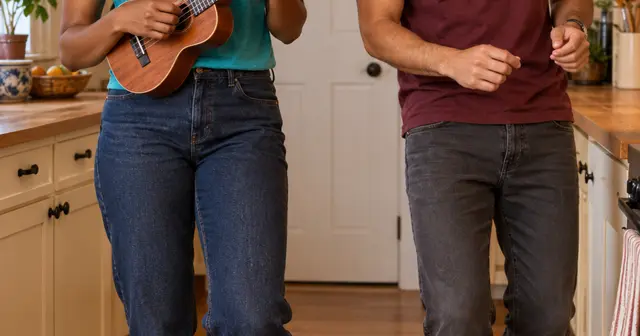
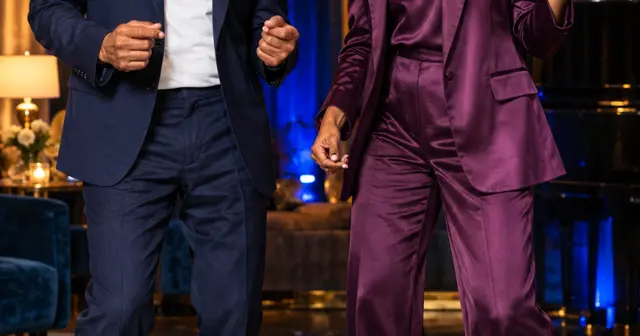
Distinct outfits help viewers follow the two roles. Use one clear face per photo, without a hand or microphone covering the mouth. The cyan and magenta lights are already part of the scene, so source photos with natural lighting are a good starting point. There is no need to own a microphone or take a picture on a rooftop.
What this battle can deliver
This is a short generated exchange with original music, not a live contest, a full diss track or an imitation of a known rapper. The scene asks for smiles, reactions and a shared groove; exact expressions and mouth movements can vary. There is no winner-scoring feature.
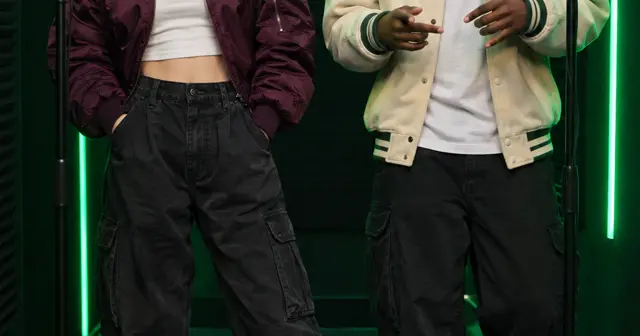
Solo is available if you want a single person delivering both lines to camera, but use Duo for the two-person response shown here. For a studio exchange instead of a rooftop, try the green booth. For a party greeting, choose party rap.
Create here, then review the result
Use JPG, PNG or WebP photos under 10 MB and 40 megapixels; supported HEIC/HEIF photos are converted in your browser. Check the preview after selecting each file. Only upload photos you have permission to use. The photo guide covers cropping and common problems.
Choose the singing language separately from the website language. Edit the two lyric lines, confirm photo permission, enter your delivery email twice and review the one-time purchase. No account is required. Allow around 15 minutes or longer for generation; that is a planning estimate, not a deadline guarantee. The private email link lets you check progress after closing the page.
Your result is a vertical MP4 with generated vocals and music. Likeness, pronunciation, exact words and movement can vary. Another creative attempt is a separate paid video. Technical failure restores the video's allowance; a completed result you dislike does not automatically receive a cash refund. See the refund policy, or email support@rapvideo.cc without signing in.
Ready to use this setting? Return to the generator on this page. The scene and mode are preselected for a fresh draft. If a saved order is already processing, keep its status link and start a new draft before changing its settings.