START WITH YOUR QUESTION
How to Make the Rumpelstiltskin AI Tiptoe Trend
Use one adult portrait for RapVideo’s fixed tiptoe-dance template. Generate in this guide and understand the reference, nine-second output and likeness limits.
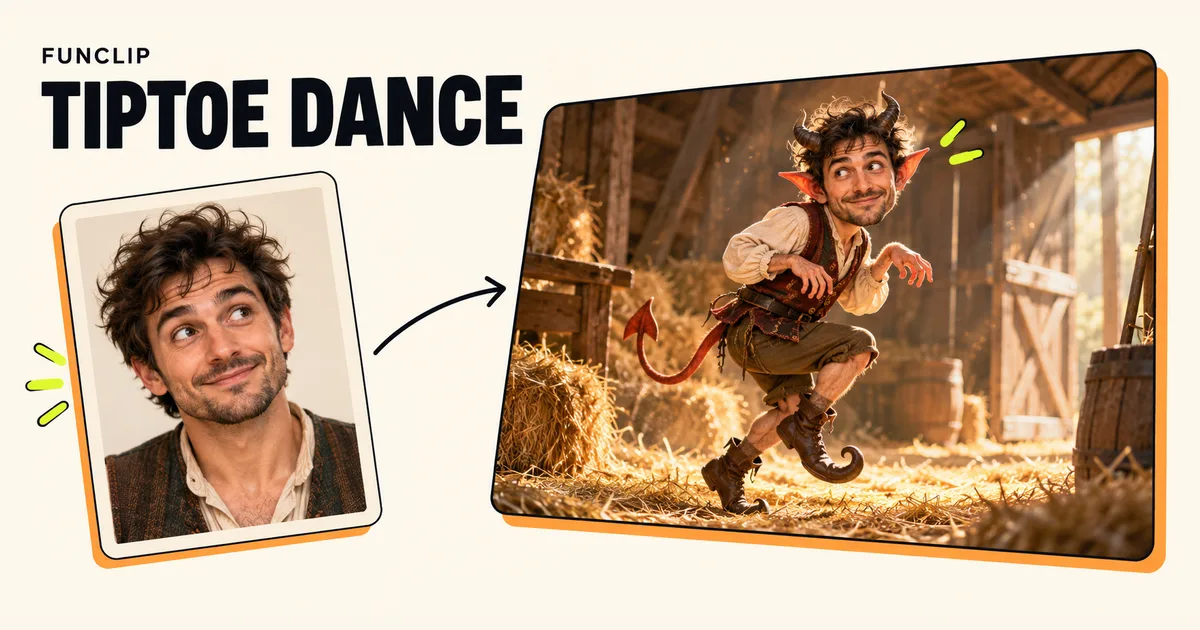
To make RapVideo's Rumpelstiltskin AI trend clip, add one clear adult portrait to the generator below and generate the fixed tiptoe-dance sequence. The photo guides the imp character's face; it does not replace every character in the scene. The current output is a nine-second, 768P MP4 in 3:4 format.
Understand what your photo changes
This template uses one portrait for the imp character. The second character stays part of the fixed scene. Adding a group photo does not give you a separate slot for that second role, and the editor does not provide a two-person casting option.
Choose a photo of a consenting adult with a clear, well-lit face. A front-facing or mild three-quarter view is more informative than a distant face, dark profile or face behind sunglasses. Keep enough of the head visible to show hair and facial shape.
A face reference guides identity; it does not guarantee a perfect face swap. The character's proportions, expression, pose and movement come from the generated scene. Wide shots contain fewer facial pixels, so recognizable likeness can be weaker than in close-up moments.
Separate the reference from the generated result
The playable sample supplied with this template is reference footage, not a RapVideo-generated demonstration of your photo. Its source is identified beside the player. Use it to understand the intended movement and setting, not as proof of the exact quality a generated face will have.
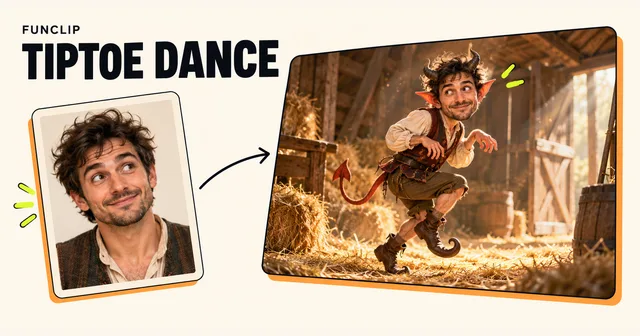
The cover at the top of this article is also an illustration, created for the guide. It is not an output from the video template. These two distinctions matter when deciding whether the format fits your expectations.
The reference player's framing and the generated file are not necessarily identical. The current generation target is nine seconds in 3:4 at the 768P tier. Do not infer a different output ratio or length from the source clip alone.
Generate the fixed sequence
- Select the adult portrait in the single photo slot.
- Check the preview and confirm that it shows the intended person.
- Sign in with the account where you want to keep the result.
- Confirm permission to use the photo and review the credit requirement.
- Submit once, wait for completion, then inspect and download the MP4.
There is no custom prompt field, duration selector, ratio selector or music-upload control in this template. You cannot ask the editor to change the second character, rewrite the choreography or add a new scene through another field.
If you want to direct a fantasy creature with a written scene note, the describes a more flexible workflow. If you want both uploaded people to be cast, use a tool with two explicit photo slots, such as Hotel Lobby.
Check the tiptoe movement and likeness
Watch the whole clip before judging it. Inspect the face when the imp turns, the hands near the body, and the feet during the tiptoe action. Check whether clothing and facial details remain coherent as the camera changes.
The template does not offer frame-level repair. If the movement works but one passage is awkward, trimming can leave a useful shorter segment. If the identity is weak throughout, compare the original portrait for blur, shadow or occlusion before considering another paid attempt.
A clearer portrait may help, but the wide-shot limitation still exists. Repeating the same request is not guaranteed to improve likeness. A new generation can change other details as well.
Add sound only after checking the file
This tool does not include a licensed trend song or provide a soundtrack selector. Do not assume a recording heard in reference footage is included with your generated video or licensed for your post.
Listen to the actual output, then mute or replace sound in an editor if needed. Use audio you have permission to use. The generator does not promise an exact artist voice, lyric or beat-by-beat match to an external track.
Cost, pending status and downloads
A complete clip costs 100 standard credits. RapVideo offers shared one-time packs of $9.90 for 100, $18.90 for 200 and $44.90 for 500 credits, valid for 365 days. There is no free trial or automatic renewal. Check the reference and limitations before purchasing.
A pending task should be checked in My clips with the same account before you submit another. Closing the tab does not cancel the request. Technical failure restores the credits charged for that task; this is not an automatic cash refund. A successfully generated clip with an unwanted expression or weak likeness still counts as a completed generation.
Download the finished MP4 while signed in. Share the saved file rather than a private account result link.