START WITH YOUR QUESTION
How to Make a Bulin AI Video from One Photo
Create a 15-second Bulin-style performance from one adult photo. Use the generator in this guide, choose a useful portrait, and check the result before sharing.
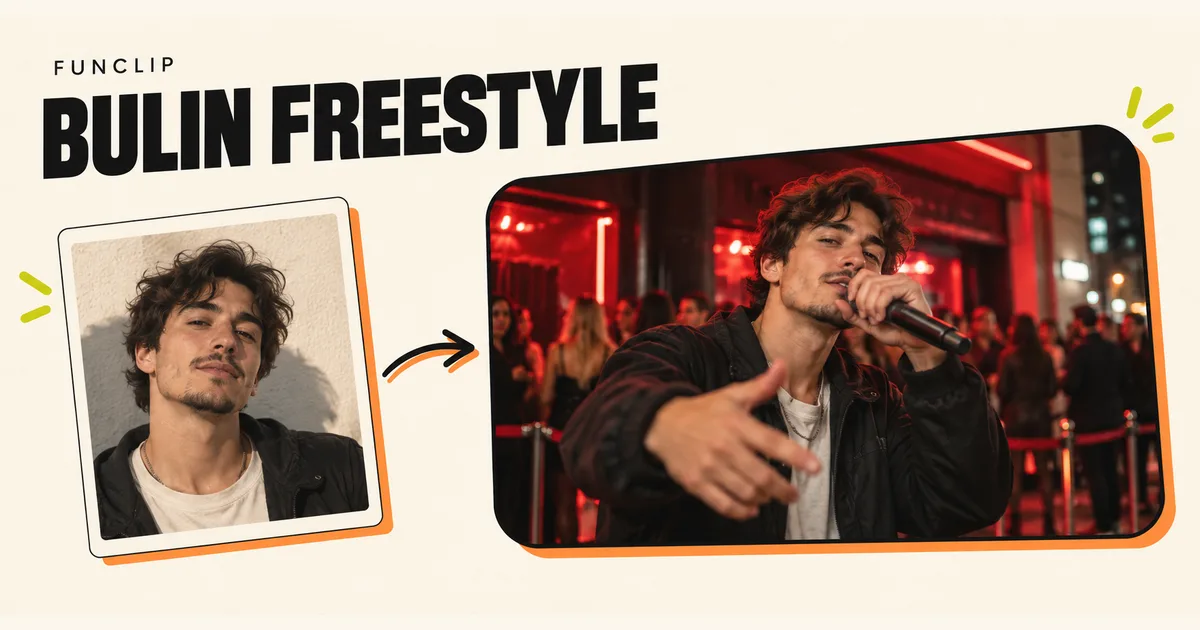
To make a Bulin AI video on RapVideo, choose one clear adult portrait, add it to the generator below, confirm permission to use the photo, and generate a short performance. The current template produces a 15-second, 768P portrait MP4. You do not need a dance recording, a written prompt or a second performer.
Choose a portrait that survives movement
A sharp face matters more than an elaborate background. Start with a photo where the person faces the camera, the eyes are visible and the lighting is reasonably even. Avoid a face that occupies only a few pixels in a group shot. Cropping can remove distractions, but enlarging a small face cannot restore missing detail.
Keep some hair, neck and upper clothing visible. A very tight facial crop leaves the model to invent more of the person's appearance. If you want an outfit to influence the result, choose a photo that actually shows it. Clothing and facial details can still change as the character moves.
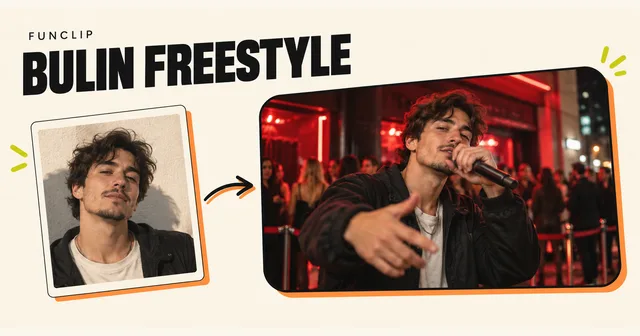
Use your own photo or a photo of a consenting adult. The cover above is an AI illustration of the idea; the playable example in the generator is the more useful reference for the video format.
Make the clip in this page
- Select the portrait in the single photo slot. Supported uploads include JPG, PNG, WebP and HEIC/HEIF, within the uploader's size and image limits.
- Check the preview. If the wrong person or crop is selected, replace it before continuing.
- Sign in, confirm your rights to the photo, and review your credit balance or the selected one-time pack.
- Submit once. Wait for the existing task to finish, then play and download the MP4.
This is a fixed performance template. There is no custom prompt box, scene selector, duration control or audio-upload field. A longer description elsewhere on the page will not change the generation. For a selectable studio, street or stage setting, use the AI Rap guide, which explains a different two-stage workflow.
What the template controls
Bulin supplies the performance format; your photo supplies the identity reference. The output is a short vertical clip rather than a full music video or an editable timeline. The model can vary the exact expression, hand movement and framing. It does not promise a frame-for-frame copy of the sample.
The current output setting is 15 seconds at the 768P tier in 9:16 portrait format. If you need a square social post, download and crop it in an editor after checking that the face remains inside the frame. Cropping changes the composition; it does not create a higher-resolution original.
Do not assume the public example grants rights to a particular recording. The tool does not provide a soundtrack picker or guarantee the original trend song. Listen to your actual result before posting. You can add or replace sound afterward using audio you have permission to use.
Review the whole performance
Watch the face at the beginning, during turns and near the end. Check hands as they cross the face, the edges of hair, and clothing around moving arms. A plausible opening frame can hide later changes. If only part of the clip works, trimming a usable passage may be enough.
If the face is unclear, compare the original photo before paying for another attempt. A brighter, sharper input can give the model better evidence, but another generation is still a new result with its own cost. There is no per-frame repair control in this template.
Credits, pending tasks and downloads
A complete Bulin generation uses 100 standard credits. RapVideo offers shared one-time packs of $9.90 for 100, $18.90 for 200 and $44.90 for 500 credits, valid for 365 days. There is no free trial or automatic renewal. You can inspect the example before purchasing.
Closing a tab does not cancel a submitted task. If a request appears slow or uncertain, return with the same account and check My clips before starting another. A technical failure restores the credits charged for that task; this is not an automatic cash refund. An unwanted but completed performance still uses credits.
Download the finished MP4 while signed in. Share the saved file rather than a private result URL, which requires account access. If you want two people performing together instead, follow the Hotel Lobby duet guide.