
Photo tips
Use a clear full-body photo of an adult or an original character you have permission to animate. The video follows your photo’s shape.
Video tools
Turn an adult photo into a playful AI dance video. Choose a groove and make a 5- or 10-second clip, with optional audio. Pay once, then preview and download.
5–10s · 1080p · MP4 · One-time payment. No subscription.
Use a clear full-body photo of an adult or an original character you have permission to animate. The video follows your photo’s shape.
THE SHORT ANSWER
An AI twerk generator animates a still image into a dance clip. RapVideo uses a full-body adult photo, an easy or energetic preset and optional written details to request small hip bounces and knee bends over 5 or 10 seconds. Exact choreography is not guaranteed.
Make it yoursUse a clear full-body photo of an adult or an original character you have permission to animate. The video follows your photo’s shape.
Name the body movement, pace and camera view. For example: “Small knee bends and gentle hip bounces, feet planted, full body visible, fixed camera.” Keep the original outfit and background in the prompt, and avoid combining several complex moves.
START WITH YOUR IDEA
Start with a 5-second easy groove. Keep feet visible and the camera fixed, then check the whole clip for changes to the face, hands and body.
Choose a preset and add a short movement description. Keep the action simple and the outfit consistent. This tool does not accept dance-reference videos or uploaded music.
QUICK, PRACTICAL ANSWERS
Use a clear photo of one adult or an original adult character, with the full body and feet visible and room to move. Avoid cropped limbs, heavy blur and overlapping people. Use an image you have permission to animate.
Name the body movement, pace and camera view. For example: “Small knee bends and gentle hip bounces, feet planted, full body visible, fixed camera.” Keep the original outfit and background in the prompt, and avoid combining several complex moves.
Fast motion, hidden limbs and large turns can change the person’s appearance. Try a clearer full-body photo and smaller movements with a fixed camera. These changes may help, but identity and anatomy are not guaranteed; inspect the whole clip before sharing.
This page animates a photo from a written prompt. It does not accept a dance-reference video or transfer its exact moves. Describe one short movement at a time; use a dedicated motion-transfer tool if matching choreography is essential.
This page does not accept a music upload or guarantee beat-matched choreography. You can enable generated audio, or download a silent clip and add music you have permission to use in a video editor. Check the timing yourself.
One-time payment. No subscription. Shared across all RapVideo tools. Video counts shown are for AI Twerk Generator. Valid for 365 days; costs vary by tool and step.
Sign in again to find your creations. In the same browser, you can also resume a saved draft. Closing the page does not cancel a running task. If a step fails technically, its allowance is restored for a retry.
Video tools
Choose the video you want to make.
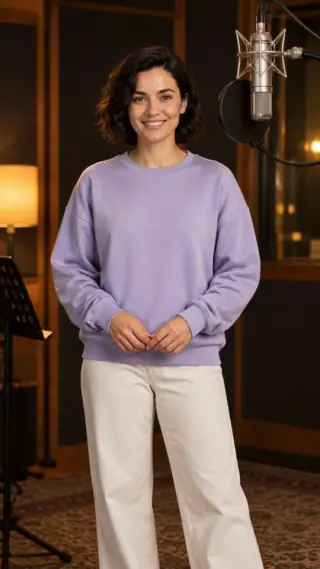
Your photos. An original rap performance.
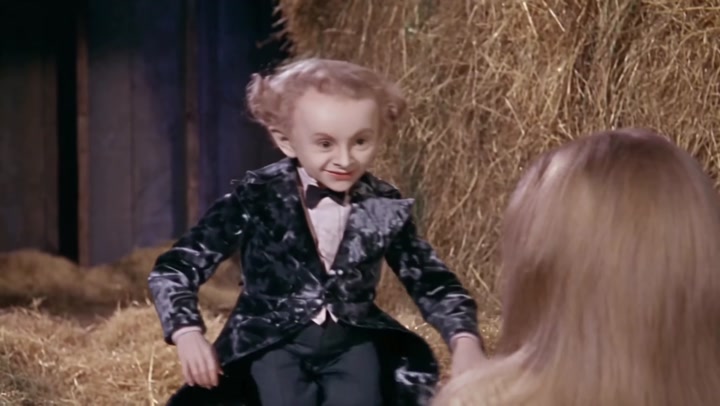
Your face as the tiptoe imp in the fantasy barn dance.
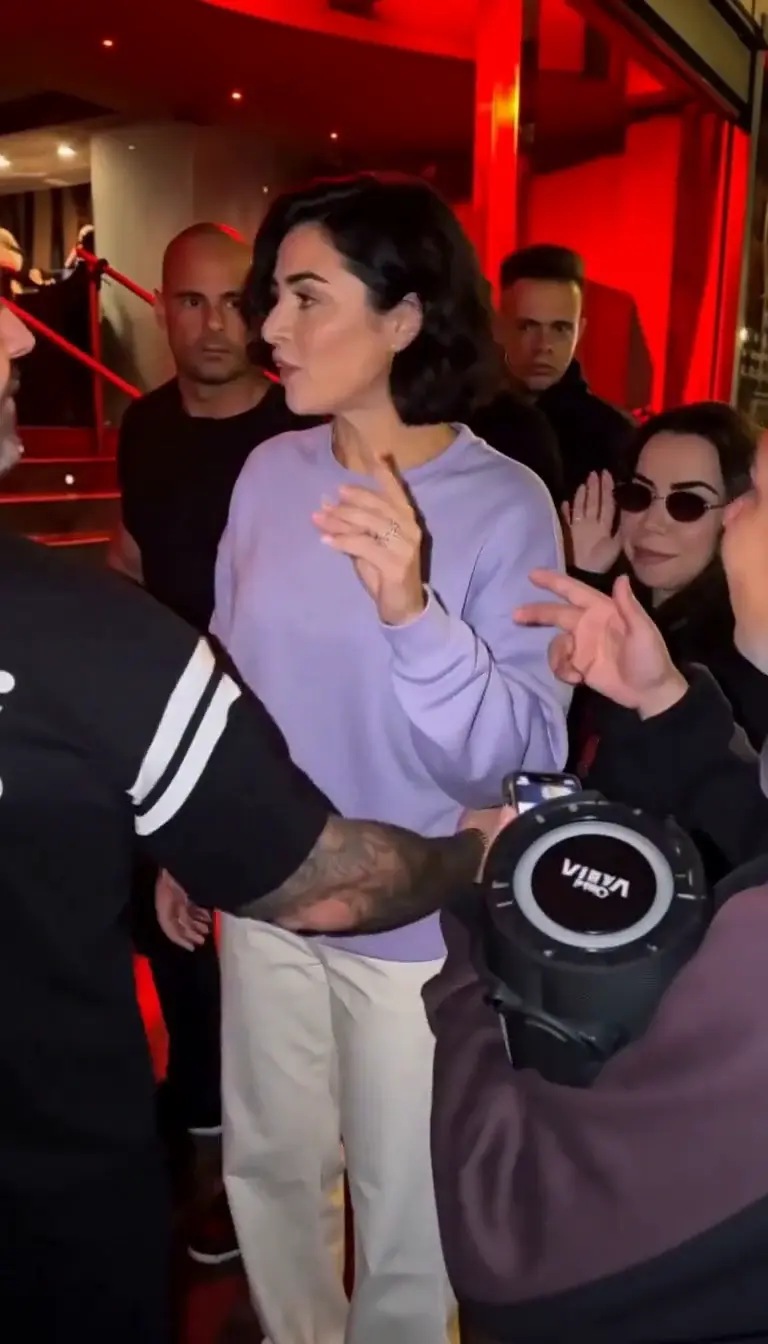
Turn one photo into your own street freestyle video.
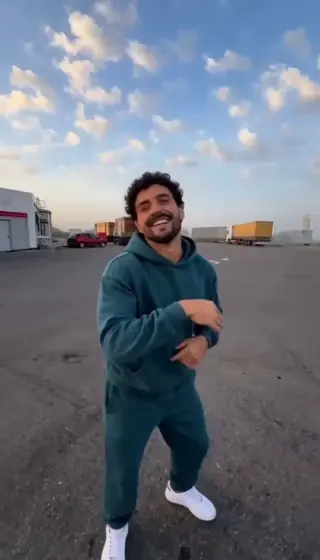
Three photos → a 15-second gas station dance.
One or two photos → a dance on a sunset pier.
Two photos → an orange-booth duet.