
Gas station dance trend: four shots, three roles
The clip moves from a dancer to a walking selfie, turns toward the car, then returns to the selfie. Assign three photos in that order; the ending uses photo 2 again.
Video tools
Make a gas station dance video from three photos. Follow the AI dance trend with a 15-second template, four shots and MP4 download. No subscription.
15s · 768P · 9:16 · MP4 · One-time payment. No subscription.
Upload one clear adult photo for each role, in order. Full-body photos work best for the two dancing roles.
100 standard credits generate one approximately 15-second 768P MP4 from all three photos. Packs add 100 / 200 / 500 shared credits, valid 365 days. One-time payment; no subscription. A successful remake uses new credits.
THE SHORT ANSWER
Gas Station Dance AI recreates a three-person performance from separate portraits. RapVideo maps your photos to the opening dancer, the returning selfie-camera performer and the person beside the car, using a fixed 15-second vertical reference scene.
Make it yoursThe clip moves from a dancer to a walking selfie, turns toward the car, then returns to the selfie. Assign three photos in that order; the ending uses photo 2 again.
This template follows the full reference, about 15 seconds, in a vertical 768p MP4. Choreography, camera sequence and role order are fixed. There is no separate duration or resolution selector; trim the downloaded file if needed.
START WITH YOUR IDEA
Upload three clear adult portraits in role order. Photo 1 opens the scene, photo 2 handles both selfie appearances and photo 3 appears beside the car.
Assign that person to photo 2. No fourth photo is needed. Watch both selfie appearances in the result to check that the identity and outfit remain consistent.
The clip moves from a dancer to a walking selfie, turns toward the car, then returns to the selfie. Assign three photos in that order; the ending uses photo 2 again.
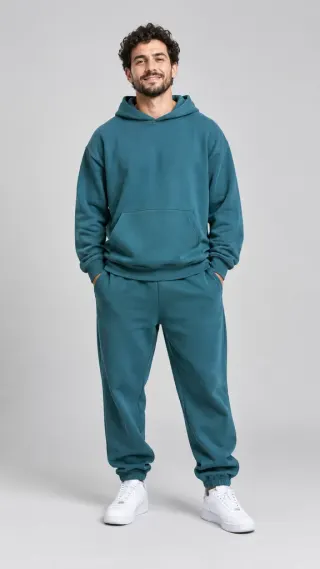
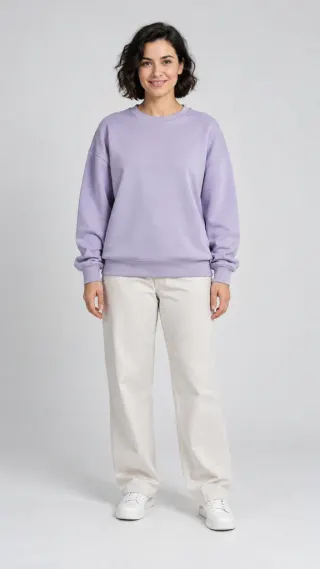
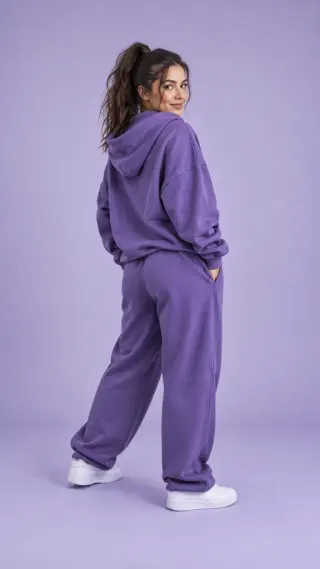
These fictional adults were used in this RapVideo test. The example and four excerpts were generated with an earlier motion reference; the current template uses a RapVideo-generated reference. Faces, framing and audio can vary.
Choose a well-lit, full-body photo of one adult. Show the face, outfit and shoes clearly so the opening dance has a useful reference. A matching gas-station background is unnecessary.
Use a clear face and visible hairstyle, with the upper outfit in frame. This person holds the camera and appears twice. Avoid sunglasses and strong face filters; compare both appearances when reviewing the result.
Choose one adult with a readable silhouette and outfit. This role performs beside the car. Review fingers, feet and clothing around the door, where contact and turns can introduce visual errors.
No fourth photo is needed. The last selfie should show the same person as the earlier selfie; check the face, hair and clothing in both shots.
QUICK, PRACTICAL ANSWERS
The clip moves from a dancer to a walking selfie, turns toward the car, then returns to the selfie. Assign three photos in that order; the ending uses photo 2 again.
No fourth photo is needed. The last selfie should show the same person as the earlier selfie; check the face, hair and clothing in both shots.
This template follows the full reference, about 15 seconds, in a vertical 768p MP4. Choreography, camera sequence and role order are fixed. There is no separate duration or resolution selector; trim the downloaded file if needed.
Photos guide identity, hair and outfits, but AI can change details during motion. Clear faces, visible clothing and distinct outfits help. Check every role, both selfie shots and the car interaction before sharing.
The model produces the final soundtrack, which may differ from the reference. Listen before sharing; the original song, lyrics and exact lip-sync are not guaranteed. You can add music in your publishing app.
The scene, duration and vertical format are fixed. AI may vary faces, movements and cuts; exact choreography and likeness are not guaranteed.
One-time payment. No subscription. Shared across all RapVideo tools. Video counts shown are for Gas Station Dance AI Generator. Valid for 365 days; costs vary by tool and step.
Sign in again to find your creations. In the same browser, you can also resume a saved draft. Closing the page does not cancel a running task. If a step fails technically, its allowance is restored for a retry.
Video tools
Choose the video you want to make.
Your photos. An original rap performance.
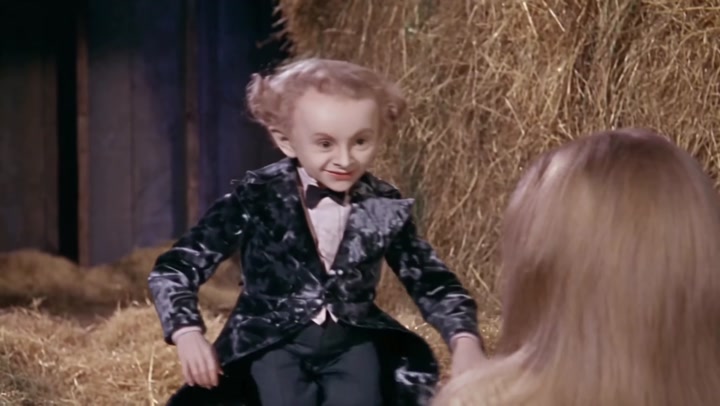
Your face as the tiptoe imp in the fantasy barn dance.
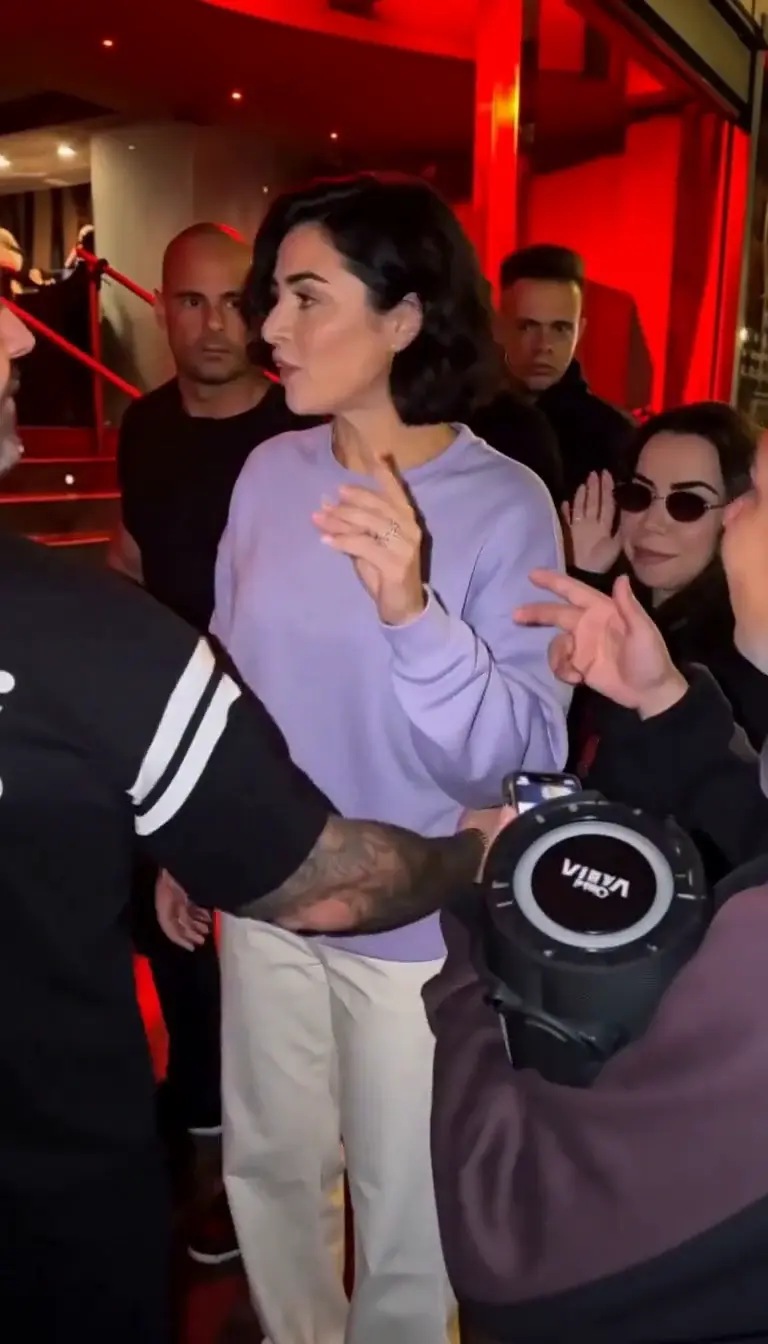
Turn one photo into your own street freestyle video.
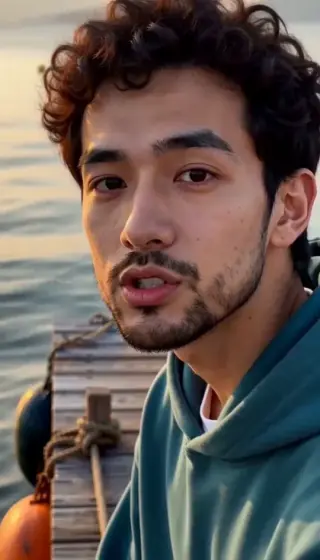
One or two photos → a dance on a sunset pier.
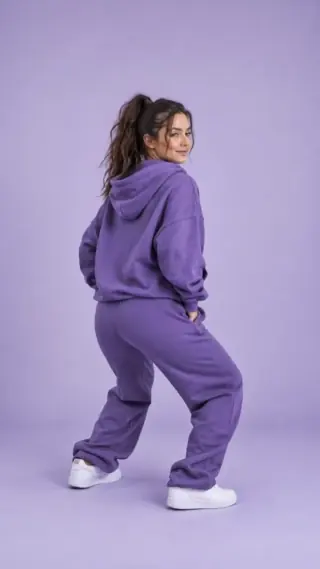
Turn a photo into a playful dance clip.
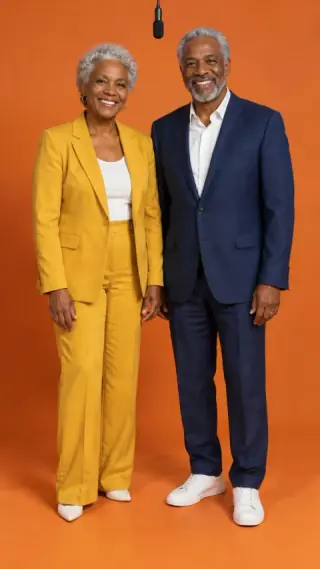
Two photos → an orange-booth duet.